Rentable vs Usable Office Area: How to Check Measurements and the Common-Area Factor
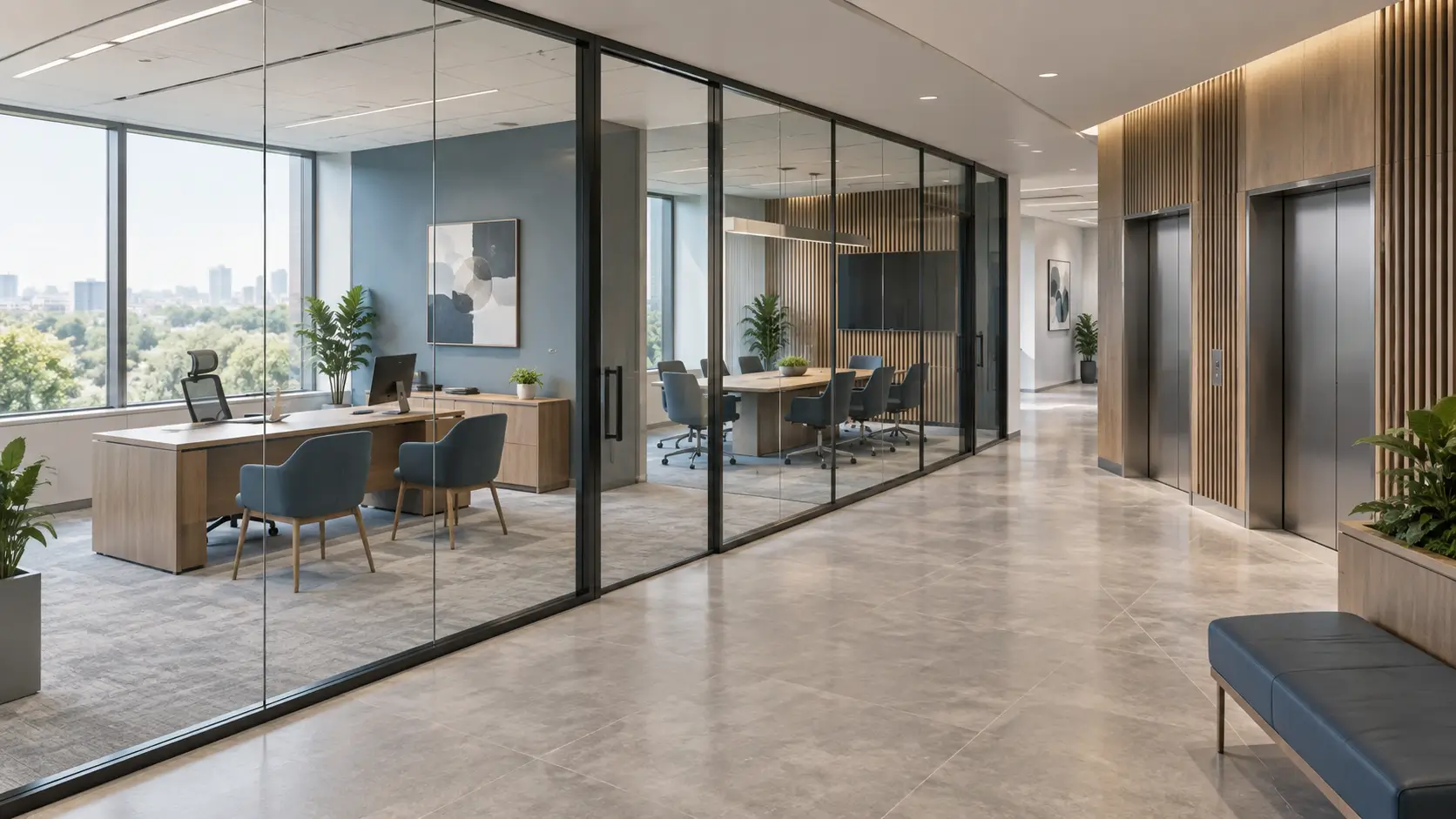
Conceptual illustration of an office suite and common areas; not a photograph of a specific property.
Rentable office area is the floor area used to calculate charges under the agreed terms. It may include the office suite itself and an allocated share of common areas. Usable area describes the space available to the occupier, but its boundaries depend on the measurement method. Two identical figures in property listings therefore do not necessarily describe two equivalent offices.
Before comparing offers, answer three questions: what has been measured, which area each charge is based on, and how much of the space suits your team. Below is a straightforward checking process, without supposedly universal load factors or unverified market rents.
What is the difference between usable and rentable office area?
In lease negotiations, usable area often means the office suite occupied exclusively by a company. It may contain workstations, meeting rooms, a kitchen and internal circulation space. It is not simply the area beneath the desks. To understand a particular figure, you need a plan showing the boundaries and an explanation of the measurement method.
Rentable area is a calculated figure used for leasing. Where the selected method allocates common areas, the relevant share is added to the suite's area. These additional square metres do not become a separate room: they reflect how the building's floor area is allocated among its occupiers.
The area recorded in an extract from Russia's Unified State Register of Real Estate (EGRN), a Bureau of Technical Inventory (BTI) plan, a measurement report and a commercial offer may differ because the documents serve different purposes and use different measurement rules. A discrepancy alone neither explains its cause nor proves an error. Ask to see how the figure on the original plan becomes the calculated rentable area, rather than accepting a verbal explanation that “everyone calculates it this way”.
What does the common-area factor mean, and how does BOMA relate to it?
The common-area factor shows how the chosen calculation converts the office suite's area into its calculated rentable area. An offer may express it as a multiplier, such as 1.15, or as an addition, such as 15%. These figures are comparable only if they use the same calculation base.
BOMA does not mean a single percentage: it refers to a family of property measurement standards. BOMA International lists its office standard as ANSI/BOMA Z65.1-2024; one of its main purposes is to determine Rentable Area. To check a particular property, you need to know the standard, edition and method used. A formula in a listing is no substitute for a measurement report.
Other measurement approaches also exist. For example, IPMS All Buildings, published in 2023, replaced the previous IPMS standards for individual property types. Figures produced using different methods cannot be compared meaningfully without explaining their measurement boundaries.
Do not automatically include everything outside the office door in the area you pay for. Check the property's documents to establish which areas are allocated, what is excluded and how the calculation works. Simply saying “it is BOMA” is not enough without a plan and an area schedule.
How to calculate rentable area: a simple example
The following is a hypothetical worked example, not an F-375 property offer, a market benchmark or a complete BOMA calculation. Suppose the agreed area of the suite is 200 m² and its calculated rentable area is 230 m².
- Multiplier: 230 ÷ 200 = 1.15.
- Addition relative to the suite's area: (230 − 200) ÷ 200 × 100 = 15%.
- Additional square metres as a proportion of rentable area: (230 − 200) ÷ 230 × 100 ≈ 13.04%.
The difference between 15% and 13.04% comes from using different denominators. So follow the question “What is your common-area percentage?” with “Which area is that percentage calculated against?”.
When the multiplier is known: rentable area = suite area × factor. To reverse the calculation: suite area = rentable area ÷ factor.
In this example, 230 ÷ 1.15 = 200 m². Subtracting 15% from 230 m² is incorrect: it gives 195.5 m². Another mistake is to multiply the already calculated 230 m² by 1.15 again. First establish exactly which type of area the offer quotes.
How do you compare two offices when their areas and rental rates are quoted differently?
For an initial comparison, put both offers on the same basis: the same period, a comparable measure of suite area and the same set of charges. Do not compare a monthly rate with an annual rate, or a sum that includes additional costs with base rent alone.
In the hypothetical example below, both suites measure 200 m² using comparable methods. The monetary figures are invented solely to demonstrate the arithmetic; they are not an assessment of the Moscow City market. VAT, operating expenses and other costs are excluded from the table.
| Metric | Office A | Office B |
|---|---|---|
| Unit size | 200 sq m | 200 sq m |
| Calculated rentable area | 230 m² | 216 m² |
| Monthly base rent per rentable m² | 3 000 ₽ | 3 150 ₽ |
| Monthly base rent | 690 000 ₽ | 680 400 ₽ |
| Monthly base rent per m² of suite area | 3 450 ₽ | 3 402 ₽ |
Office B has a higher quoted rate, but its monthly base rent is RUB 9,600 lower. This does not yet mean it is better value for the company: the other charges, layout, condition and terms of use still need to be compared. The example simply shows why the rate per square metre alone is insufficient.
Separately, establish which area is used to calculate operating expenses: the suite area, calculated rentable area or another agreed basis. Do not automatically apply the rent calculation base to every other charge. The cost components are explained in our article “Office Operating Expenses”.
An area fact sheet: what to request before agreeing terms
Compile one short document for each offer. It will help you compare options and identify information that has not yet been verified.
- The description of the quoted area: suite area, usable area or calculated rentable area.
- A plan showing the suite's boundaries and unit number, with a date confirming when it was current.
- The measurement method, its edition, the calculation approach used and the party that carried out the work.
- An area schedule showing the original measurements, allocated areas, factors and final result.
- An explanation of the percentage: whether it is a multiplier or an addition, and which figure is the denominator.
- A separate calculation base for rent, operating expenses and other charges, together with their billing periods and what they include.
- The remeasurement terms: when it may take place, how the result is recorded and whether it affects the payment.
Taking an entire floor does not, by itself, establish that no building common areas are allocated to it. If the office occupies part of a floor, do not assume that all neighbouring corridors are treated in the same way. The answer should follow from the area schedule and agreed terms, not the format of the listing.
How can you check the area during an office viewing?
Compare the plan with the actual premises: the entrance, partitions, columns, internal circulation space and common areas. Check whether the document reflects the current layout. A tape measure or laser distance meter is useful for an initial dimensional check, but does not automatically reproduce a professional rentable-area calculation method.
If there is a substantial discrepancy, ask for an explanation and, if necessary, an independent measurement using the same method. It is important to compare matching boundaries and area categories, not just two final figures. Whether the terms should be revised depends on the documents and the lease.
Next, check whether the suite suits the way your team works. Two premises with the same area may accommodate a team differently because of their shape, depth, columns and meeting-room locations. Calculating the area you pay for does not replace calculating office space per employee or assessing the office layout.
What matters most when comparing offices in Moscow City?
Compare individual suites, not just tower names. Even within one building, the available premises may have different layouts and commercial terms. Do not assume that a single factor or charging method applies throughout the development without checking the documents.
Before discussing a discount, it helps to agree the underlying information: the suite plan, the chargeable area, what the monthly payment includes and which common areas are available. You can then assess the other criteria for choosing an office in Moscow City. The lowest factor cannot make up for an unsuitable layout or restrictions that hinder your company's work.
Frequently Asked Questions
Why is the area I pay for larger than the office itself?
The calculated rentable area may include an allocated share of common areas. To understand the difference, request the plan, measurement method and calculation schedule. A larger figure alone neither proves an error nor establishes that the charge is justified.
Does a factor of 1.15 mean a 15% addition?
Yes, if 1.15 is the multiplier applied to the original suite area. However, the additional square metres account for a different proportion of the final rentable area: approximately 13.04%. Always check the base used for the percentage.
How can I work out usable area from rentable area?
If the agreed multiplier is known and relates specifically to these two figures, divide rentable area by that factor. For example, 230 m² ÷ 1.15 = 200 m². Without the measurement method and underlying data, this calculation may not apply.
Is there a standard common-area factor for every business centre?
A universal figure cannot replace checking the individual property. The result depends on the areas included, the building's geometry and the allocation method. Compare the transparency of the calculation, the total payment and the suitability of the premises.
Should I apply the same factor to OPEX?
Not automatically. The calculation base for operating expenses is set by the offer and lease terms. Request a separate calculation and check whether the quoted area already includes the factor.
Can I put workstations in every square metre I pay for?
No: allocated common areas do not become your exclusive workspace. Even inside the suite, some space is needed for circulation, meeting rooms and other functions. Capacity must be checked against the layout and workstation requirements.
In brief
First establish what each square metre in the offer means, then check the factor, and only then compare rental rates. A clear offer lets you trace the calculation from the plan to the final payment. If you are considering an office in Moscow City, prepare this area fact sheet before the viewing so that the discussion is based on verifiable information.

