Office Lighting: How to Plan Lighting and Check Workstations
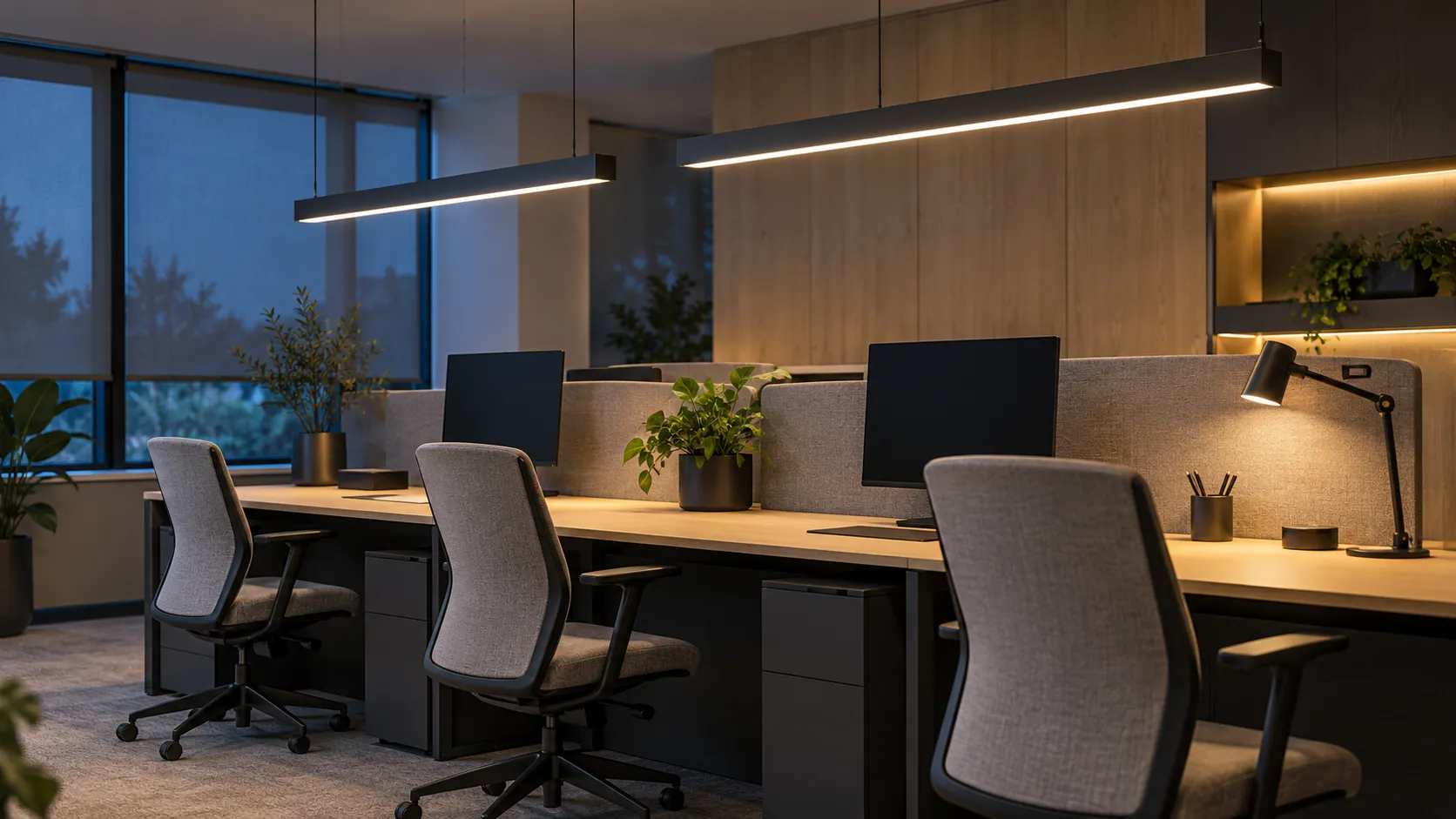
Office lighting should be chosen for the work being done and the actual premises: whether desks receive enough light, screens have distracting reflections and brightness varies too sharply. The number or wattage of luminaires and the presence of large windows do not establish lighting quality. An informed decision needs a workstation plan, lighting calculations and, after installation, measurements to check the result.
The key is to assess the person's working position, not an attractive ceiling. This guide covers daylight and electric light, lux and lumens, UGR, luminaire selection and questions to ask before buying or fitting out an office.
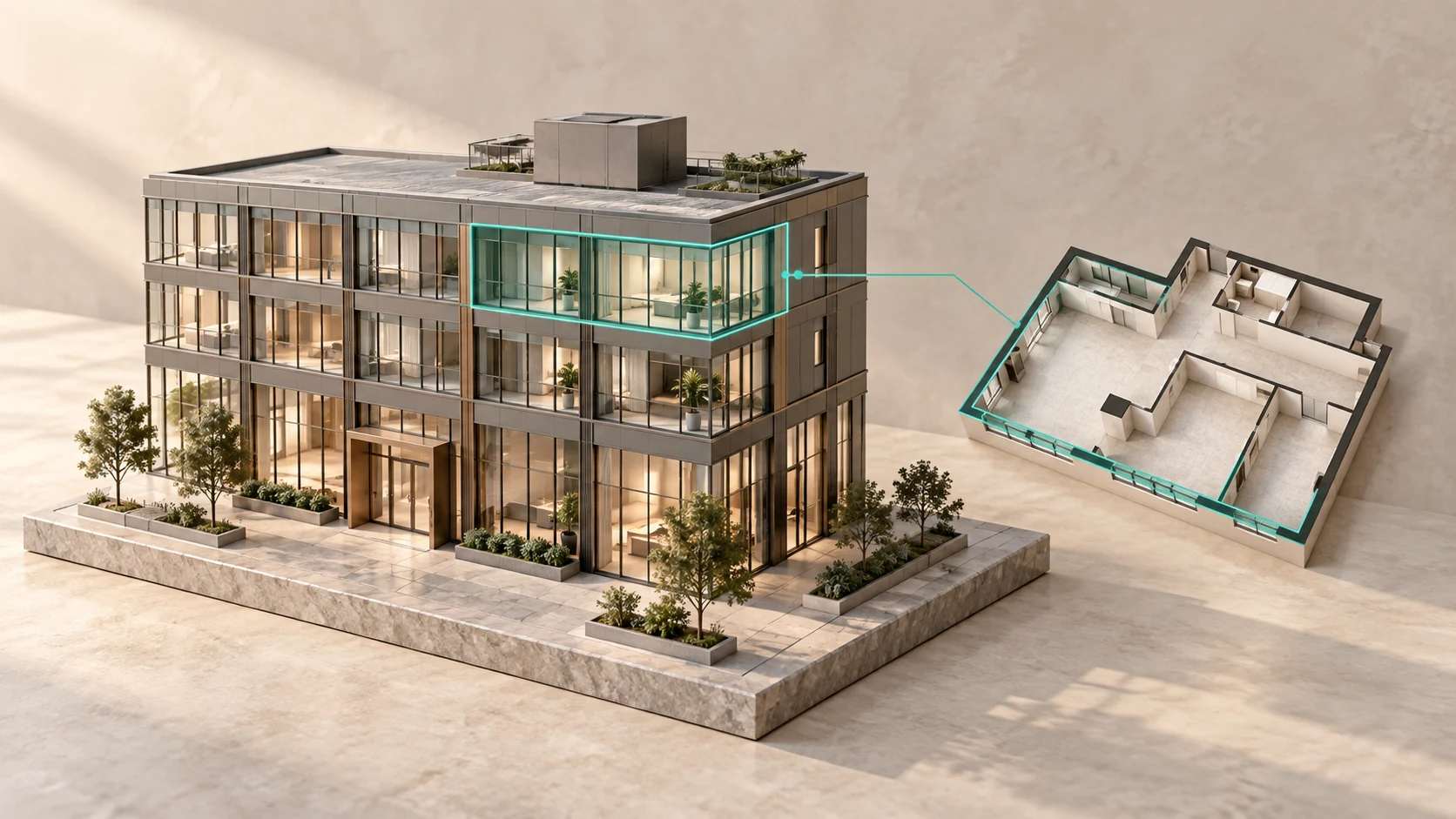
The cover is a conceptual illustration of office lighting, not a photograph of F-375 or confirmation of a particular property's specifications.
Where good office lighting starts
Begin with the tasks: screen work, reading documents, discussions around a table, video calls and examining samples. Then mark permanent workstations, windows, partitions and tall furniture. Light suitable for a circulation route may not suit reading a drawing, while a bright pendant above a desk may be reflected in the monitor.
The furniture layout and lighting need to be checked together. If desks move after the calculation, its conclusions may no longer describe the working conditions. Our guide to types of office layoutsexplains cellular, open-plan and mixed arrangements; this article focuses specifically on light.
Lux, lumens and watts: what to compare
Lux measures illuminance on a surface, lumens measure luminous flux and watts measure power. Two luminaires with the same wattage therefore need not produce the same light on a desk. Light distribution, mounting height, positioning, finishes and obstructions all affect the result. Adding up the lumens on packaging and dividing by floor area is not enough for a final selection.
| Parameter | What it shows | What to check in the office |
|---|---|---|
| Illuminance, lx | Light falling on a selected surface. | Working planes and different points, not just the centre of the room. |
| Luminous flux, lm | A characteristic of the light emitted. | How the chosen optics distribute the flux and deliver it to workstations. |
| Power, W | The equipment's electrical power. | Consumption across the system and the conditions used to compare models. |
| Colour temperature, K | The appearance of white light. | Suitability for the task and consistency between nearby sources. |
| UGR | A calculated assessment of discomfort glare under stated conditions. | Luminaire positions, viewing direction and calculation assumptions. |
Which lighting requirements apply to an office?
In Russia, workplace lighting requirements are considered alongside hygienic standards, room use and the visual task. The applicable editions of the relevant documents inform the brief. GOST R 55710-2013 addresses electric lighting of indoor workplaces and measurement methods; sanitary requirements need separate consideration and are not replaced by a luminaire data sheet.
A figure in an online table is not automatically the requirement for every office. Establish the task, assessment surface, lighting conditions and other quality parameters. The person preparing the calculation should state the requirements adopted and the reasons for them. A compliance assessment requires an applicable method, not the impression that a room looks bright.
Daylight and electric lighting work together
Windows provide changing daylight. Its amount and direction depend on time, weather, surroundings and workstation position. Panoramic glazing can be an office's strength without guaranteeing comfort at every desk: strong reflections may occur near the façade, while deeper areas may receive less light.
Electric lighting should also be assessed when daylight does not contribute. Compare daytime and evening scenarios rather than judging premises only during a sunny viewing. Shading should allow light to be managed without keeping the room completely dark. Installing or changing blinds, films and other solutions needs consideration of the particular building and glazing, with the necessary agreement.
How to reduce reflections on a monitor
First identify the source: a window, an exposed luminous surface, a reflected ceiling light or a shiny finish. Sit at the intended desk and view the screen from the normal working position. A photograph taken from the aisle does not show what the user sees.
Possible measures include changing the relationship between screen and window, adjusting shading, redirecting light or changing a reflective surface. Direct a desk lamp towards documents rather than the display. Adjust screen brightness to the surroundings. If reading requires constant twisting or completely covering the window, reconsider the arrangement rather than simply installing a more powerful luminaire.
General lighting and a task lamp serve different purposes. Extra light on paper should not introduce a new reflection or a sharp contrast with the adjacent area. Make the final check with the actual screens, furniture and arrangement, not just an empty floor plan.
Why a “low UGR” label is not enough
UGR is used to assess discomfort glare from a lighting installation. The method takes account of the observer's position and viewing direction. Tabulated luminaire data are produced for stated assumptions: they are not a universal guarantee against glare in any room.
Ask for the input data and a calculation using the actual geometry. Where will people sit? Which luminaires will be visible when looking at a screen or another person? What changes after a partition is installed? Comparing two advertised UGR values is not enough. Direct glare from a luminaire and a window reflected in a monitor are not the same problem either.
How to choose office luminaires
Once the tasks are defined, compare light distribution, glare-control options, colour rendering, flicker, control compatibility and maintenance arrangements. Colour temperature describes appearance but does not replace the other characteristics. No single temperature automatically delivers comfort for every person and task.
Request technical documentation and calculation data. Establish warranty conditions, access for maintenance and whether components can be replaced. An attractive decorative fitting and a task-lighting luminaire may have different roles. Do not select the whole system by housing shape, wattage or promises of “fatigue-free light”.
Sensors and control scenes can change operating modes but do not correct poor luminaire positioning. Our smart officeguide also explores this distinction: automation is useful once the tasks and the quality of the working environment itself are understood.
Partitions, fit-out and changes to the layout
A tall cupboard can obstruct light, an opaque partition can change its distribution and a glass partition can introduce reflections. During refurbishment, the lighting design therefore needs to match the current layout and finishes. Our guide to office fit-out explains the wider preparation process; lighting belongs within the coordinated design, rather than being added as an afterthought.
For unfinished premises, establish the scope of work and the available design inputs in advance. The guide to shell and core helps distinguish the office's handover condition from solutions still to be designed. Buying premises and having lighting ready for your layout are not the same thing.
Calculations and measurements: what is the difference?
A calculation predicts the outcome from a model: geometry, surfaces, layout, photometric data and stated assumptions. Measurements establish the actual conditions at identified points and in a particular operating mode. A sound assessment connects both stages: what was designed, what was installed and what the result is.
A single lux-meter reading in the middle of a room does not describe the whole lighting system. The report should identify the surfaces, points, system status and measurement conditions. A phone app or bands in a video may prompt further investigation, but do not replace appropriate illuminance and flicker measurements. Reassess earlier data after substantial layout changes.
A short lighting checklist before buying an office
- Mark the intended desks, screens, furniture and partitions on the plan.
- Look towards windows and luminaires from working positions, not just from the entrance.
- Check the available shading and its controls.
- Consider daytime, evening and meeting scenarios.
- Request the design, specification, records of changes and available measurement reports.
- Establish responsibility for maintenance and possible upgrades.
- Agree which calculations and checks the future layout will need.
For example, premises may look excellent during a daytime viewing without yet having an agreed workstation plan. The appropriate conclusion is neither “the lighting is poor” nor “everything is suitable”, but “we need to check it for our use”. This helps compare properties by evidenced possibilities rather than the brightness of photographs.
Frequently asked questions about office lighting
What lighting should an office have?
Lighting suited to the work: sufficient light on the relevant surfaces, controlled reflections, appropriate distribution and documented characteristics. Check the solution against the applicable requirements for the particular premises and layout. Large windows or powerful luminaires do not establish this on their own.
How many lux does an office need?
There is no single figure for every office area. The value depends on the visual task, assessment surface, lighting conditions and applicable requirements. Ask for the calculation basis and check the actual result at workstations rather than applying a range from an advertising article to the whole property.
What is the difference between lux and lumens?
Lumens describe luminous flux, while lux describes illuminance on a surface. Luminaires with the same flux may produce different results on a desk because of optics, positioning, height and surrounding surfaces. Watts describe power and do not replace illuminance measurements either.
Is electric lighting needed with panoramic windows?
Panoramic glazing does not establish sufficient light at every workstation in every operating condition. Consider room depth, weather, time and shading. The electric lighting system also needs assessment for periods when daylight does not provide the required conditions.
How can a window reflection be removed from a monitor?
Check the relationship between window, user and screen, adjustable shading and display brightness. Changing the workstation position may help. Assess the solution from the user's normal position; brighter ceiling lighting will not necessarily remove the reflection.
Does a low UGR guarantee that a luminaire will not cause glare?
No. UGR depends on the lighting installation, observer position and viewing direction. A tabulated luminaire value needs its underlying assumptions and a calculation for the actual room. It does not replace checks for screen reflections either.
Can office lighting be checked with a smartphone?
A phone can help record a concern or a visible reflection, but does not replace appropriate measurements and a report. A substantiated assessment uses suitable instruments and a method. Illuminance, flicker and other relevant parameters need their respective checks.
Is a new calculation needed after installing partitions?
Assess the changes: partitions, furniture and a different layout can alter light distribution and reflections. The actual alterations determine the extent of repeat calculations and measurements. An earlier result cannot automatically be treated as valid for the new arrangement.
The conclusion for choosing an office to own
Good lighting means meeting the needs of actual workstations, not installing a set of identical fittings. Define tasks first, then check daylight, screens, electric light distribution and documentation. Calculations support the design; measurements check the installed system.
If you are considering a headquarters to own in Moscow City, the F-375 website presents an office penthouse for sale and the option to arrange a viewing. The property's capabilities, equipment and purchase terms are discussed separately. F-375 does not provide lighting design services; this guide helps prepare questions for office selection and the relevant specialists.