Office Viewing Before Leasing: Checklist and Questions for the Landlord
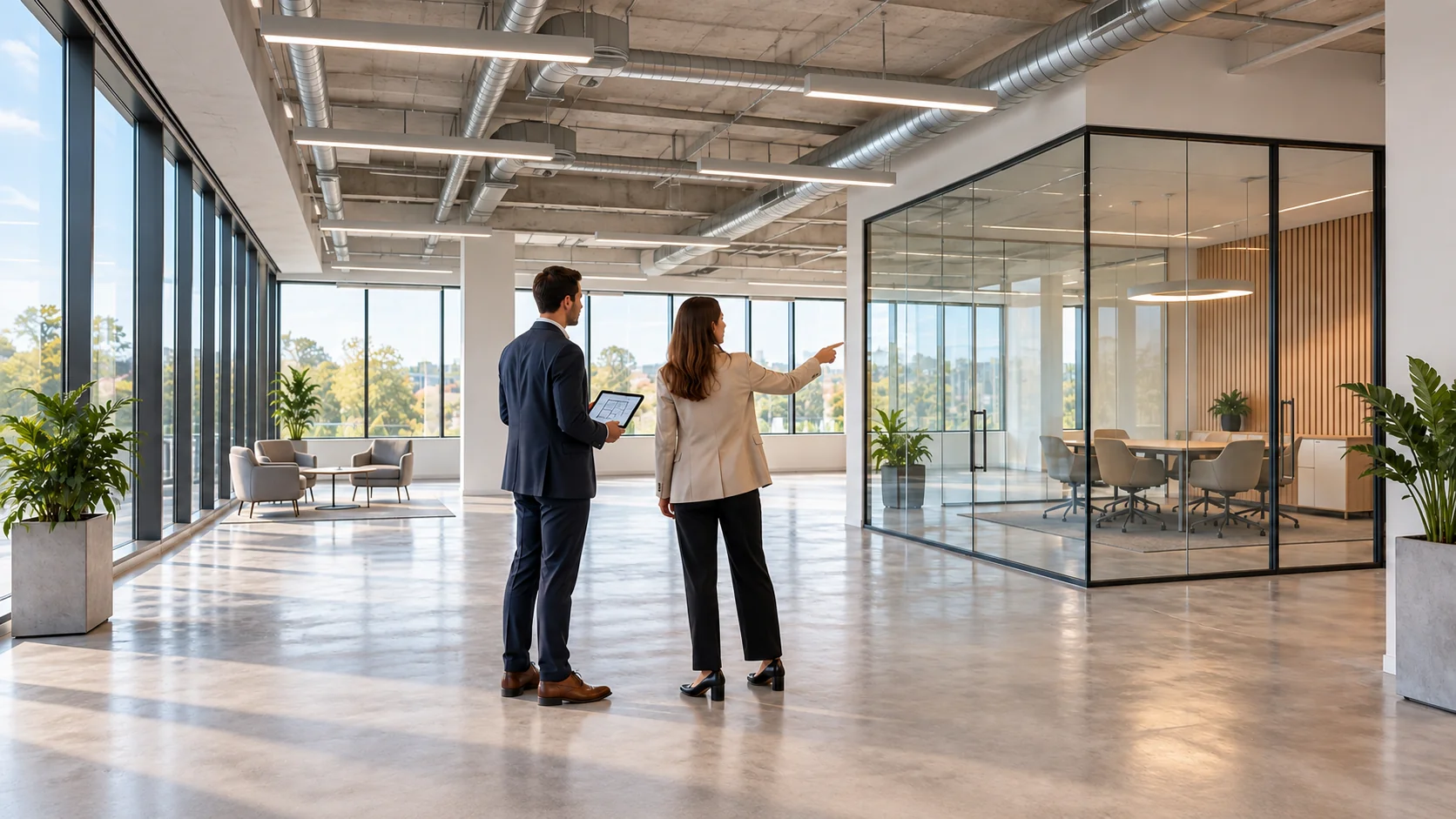
AI-generated concept illustration of an office viewing, not a photograph of a specific F-375 property.
An office viewing before leasing is an opportunity to check specific premises against the way your company will use them: how employees and visitors get in, whether the layout works, what is known about the building systems and which issues need to be resolved. The outcome should be more than a collection of photographs: you need a record of confirmed features, outstanding questions and actions to take before deciding whether to lease.
An attractive interior does not answer questions about evening access, internet connectivity or whether conversations can be heard outside a meeting room. Equally, a routine viewing is no substitute for an engineering survey, legal due diligence or a formal handover inspection. The process below is intended for business leaders, office managers and teams that have already shortlisted suitable options and want to compare them using verifiable information.
How a viewing differs from choosing an office and inspecting it at handover
When choosing an office, a company sets its requirements for location, format and size. At a viewing, it checks how well the premises actually meet those requirements. At handover, the parties record the condition of the premises and the items being handed over in agreed documents. These stages are connected but distinct: a positive impression at a viewing does not mean that you have accepted the office without reservations.
If you have not yet drawn up a shortlist, start with our criteria for choosing an office in Moscow City. This article focuses on a different task: what to do during the viewing itself, which answers to record and how to keep unresolved questions in sight between the viewing and signing the documents.
Distinguish three levels of certainty from the outset. First, something you have seen for yourself, such as the location of an entrance. Second, something confirmed by a responsible person or a document. Third, a verbal assurance that still needs to be checked. This simple distinction helps prevent “everything works” from becoming an unsupported conclusion that the office is ready to use.
What to prepare before the viewing
Send the landlord’s representative a short description of the intended use: how many people will work in the office at the same time, how often visitors will arrive, whether evening access is needed and which rooms are essential to the business. List equipment with significant power, cooling or connectivity requirements separately. This is not a technical design: it is a starting point for informed questions.
Request an up-to-date plan of the exact unit being shown and confirm its reference, floor and condition. A plan from an old presentation may not show the current partitions. If the office is occupied, agree access to the rooms you need to see, permission to take photographs and a time when your visit will not disrupt the company working there.
Ask for someone who can explain the building’s operating arrangements and demonstrate the accessible systems to attend. A leasing manager cannot be expected to know every engineering component. It is acceptable for a specialist to be absent from the first viewing, provided you know whom to send questions to and when to expect an answer. Do not fill those gaps with assumptions.
- Bring a floor plan and a list of your company’s essential requirements.
- Prepare a note with the address, unit reference, date and viewing attendees.
- Check whether you can make an ordinary phone call and a work video call on your own device.
- Decide in advance who will record the answers and who will test everyday working scenarios.
- Arrange a follow-up visit if important features cannot be assessed at the first viewing.
There is no universally sufficient viewing duration. It depends on the floor area, number of rooms, access and complexity of the systems. It is better to allow time for questions and identify uninspected areas than to end the visit by simply ticking an “inspected” box.
Who to take to an office viewing
A business leader or the person responsible for the move assesses whether the office meets business needs. An office manager notices practical and organisational constraints: the courier’s route, storage, visitor waiting areas and kitchen access. An IT specialist clarifies connectivity, equipment locations and resilience requirements. An engineer or specialist contractor examines issues that cannot be resolved by appearances alone.
You do not need to bring everyone to every preliminary viewing. You can first eliminate clearly unsuitable options, then arrange a detailed visit to the remaining ones. However, if an essential requirement depends on building systems, do not postpone confirming it until fit-out work begins. A convenient layout cannot compensate for a limitation that prevents the company from carrying out its core activities.
Follow the routes used by employees, visitors and deliveries
Start the viewing at the actual building entrance, not at the door to the unit. Walk from your chosen station or drop-off point to the office. Note where you needed a pass, an identity check, a change of lifts or help from security. It matters not only how long the journey takes, but also whether a first-time visitor can make it without an escort.
For an office in a high-rise building, check which lift group serves the floor you need. Note the time of your visit and the usage you observe. One quiet lift journey does not tell you how the building operates throughout the day. If your team’s schedule involves many people arriving at once or frequent meetings, repeat the route in comparable conditions rather than assuming a particular waiting time.
Clarify the entry procedures for employees, visitors, contractors and couriers separately. Being able to enter the building around the clock does not in itself confirm that visitor registration, the goods lift or heating and cooling systems are available at night. If your company keeps unusual hours, check each service you need rather than relying on the general phrase “unrestricted access”.
Arrange to inspect the delivery route for furniture and equipment. Where does unloading take place, who receives booking requests, how are common areas protected and what size restrictions apply? The answers will help you prepare an office relocation plan. Do not try to open service access doors yourself or enter plant rooms without an authorised escort.
Compare the premises with the plan and your team’s working needs
Check the unit reference and the position of the entrance, partitions, columns and support rooms. Mark the areas you have seen on the plan, along with any you could not access. If an adjacent meeting room or kitchen is presented as part of the offer, establish whether it is for your exclusive use or remains shared, with access restrictions.
Initial measurements help you understand whether your chosen furniture will fit and whether the room shape or openings create obstacles. However, using a tape measure at a viewing is no substitute for a professional measured survey and does not explain how the chargeable floor area is calculated. We discuss the difference between usable space and the area used to calculate rent in our article on rentable and usable office area.
Test several everyday scenarios: a visitor waiting for a meeting, a team holding a discussion, an employee on the phone and a courier delivering documents. Can these things happen at the same time? Does anyone have to pass through a restricted working area? These observations are more useful than asking whether you like the layout, because they reveal a specific task that the premises support or make difficult.
If the desks are arranged differently from your intended layout, do not treat the existing number of seats as confirmed capacity. You will need a layout review and an assessment of building services capacity and applicable requirements. An office may physically accommodate more desks, but that does not prove that the resulting arrangement is suitable for everyday work.
What to check inside the office
Finishes, windows and visible defects
Inspect accessible work areas, meeting rooms and support spaces systematically. Record damaged finishes, stains, signs of leaks and the condition of doors and fittings. Tie each observation to a specific location: “stain on the ceiling by the meeting-room entrance”, rather than “poor refurbishment”. Take photographs only with permission, avoiding other people’s documents, employees and sensitive access details.
Do not diagnose a problem from a single sign. Fresh paint does not prove that a defect has been concealed, and a visible crack does not explain its cause. Request information about work carried out and an assessment by a relevant specialist if the issue could affect use of the premises. The cause and the proposed remedy should remain open questions until confirmed.
Light, glare and sound privacy
Look at the proposed workstations from a seated position. Place your laptop where a desk is planned: do window reflections cause problems, can you control the blinds or other shading, and is the meeting room suitable for video calls? Note the time and weather: an impression formed on a cloudy morning does not describe the lighting on a sunny day.
With the representative’s permission, hold an ordinary conversation in the meeting room with the door closed and listen from outside. This is an initial privacy check, not a sound-insulation measurement. If confidentiality is important, set out your requirements separately and have them professionally assessed. Also note noise from the corridor and operating equipment.
Ventilation and air conditioning
Ask a facilities team member to demonstrate the controls and explain the systems’ operating schedules. Establish which zones can be controlled separately, who handles requests and what happens outside normal working hours. Record which systems were actually running during the viewing. If you cannot check them, note why and arrange a further inspection.
A cool, empty office does not confirm that ventilation will be sufficient once it is occupied. Air conditioning and the supply of outdoor air serve different purposes, even when they form part of one system. Confirmed specifications and a specialist assessment are needed for your intended headcount and equipment. Do not substitute an impression that the air feels fresh, or a simple test at a grille, for that assessment.
Electricity, internet and mobile reception
Clarify the available electrical capacity, connection points and options for setting up an IT area. “There are plenty of sockets” says nothing about the permitted load. Give your equipment list to a technical specialist, who can determine what needs checking and what confirmation to request from the facilities team. Do not open electrical panels, remove covers or perform load tests yourself during a viewing.
Ask which providers can connect the specific unit, not just which ones operate in the building. A cable or socket does not guarantee an active service, the speed you need or connection by your required date. If connectivity is critical, obtain confirmation of technical feasibility and terms from the provider. Also clarify the connection route and any approvals needed.
Test an ordinary call and a work application in the rooms where people will use them. Record the device, network provider and test location. A successful test on one phone does not guarantee the same result for the whole team. Significant limitations require an agreed solution, not an assurance that “we will boost the signal somehow after you move in”.
Facilities and safe operation
Inspect accessible toilets, the kitchen and storage areas. Clarify which areas are shared, who maintains them and whether restrictions apply. Ask an authorised member of staff to demonstrate accessible equipment. If you notice issues with water, smells or leaks, record the observation and request a check without dismantling systems yourself.
Ask for an explanation of the alarm procedure and to be shown the designated evacuation route. Note any visibly obstructed sections and raise them with the person responsible for building operations. The presence of a sign or a fire extinguisher does not establish compliance with requirements. Do not test alarms or fire protection systems yourself: such testing is carried out by authorised specialists.
Questions to ask the landlord or representative
For each important answer, try to identify a source of confirmation and a responsible person. Asking “who can confirm this, and in what form?” helps move the discussion forward. If a feature affects your ability to work, a verbal answer alone is not enough to mark the matter as resolved.
| Question at the viewing | What to clarify | What to keep |
|---|---|---|
| What exactly is included in the lease? | Unit boundaries, shared areas and items that will remain | An up-to-date plan and an inventory of what is included |
| What operating hours are available? | Access, heating and cooling, and additional services during the hours you need | Rules and confirmation of the arrangements |
| What will change before handover? | The work to be done, who will carry it out and how the result will be checked | An agreed list with dates |
| How can we connect our equipment? | Technical feasibility, limitations and approvals | A response from the facilities team or a relevant specialist |
| Which matters remain unconfirmed? | Missing information and arrangements for further checks | A list of outstanding questions with responsible people |
Note services that may be charged separately, such as operating systems outside standard hours, deliveries, parking or maintenance within the unit. At the viewing, the aim is to identify these conditions, not to complete the entire financial assessment. For the subsequent comparison, use our explanation of office operating costs.
How to compile an issues log after the viewing
Create a single document for the premises. For each entry, record the location, observation, effect on work, action required, responsible person and response deadline. Add a reference to a photograph or document. Use clear status labels: “confirmed”, “document required”, “specialist check required”, “not checked” and “resolved and rechecked”.
Do not confuse a defect with a preference. A door that does not work is an observable problem. Wanting a different wall colour is a request for a change. Missing information about electrical capacity is an unconfirmed specification. Each situation calls for a different action, so an entry such as “finish the office” is too vague for further agreement.
For example, imagine an office where conversations in the meeting room can be heard in an adjacent working area. This is an illustrative scenario, not a description of an F-375 property. The log could record the location and test conditions, note the need for confidential meetings and request an acoustic assessment with a proposed solution. The matter remains open until it is rechecked, even if the representative has promised to replace the door seal.
After the visit, send a summary to the participants and ask them to confirm which matters they will take forward. Your own notes are useful in negotiations, but they do not replace agreed commitments. Important agreements about condition, works and handover need to be reflected in the documents being signed. Our article on the office lease agreements.
When to revisit and when to put the decision on hold
A further visit is needed if an important system was not operating at the viewing, an area was inaccessible, the plan has changed or works have been promised. Base the agenda on specific unresolved items. The purpose of the second visit is to verify the result, not simply to discuss your overall impression again.
If substantial alterations are envisaged, involve an engineer or contractor before finalising the arrangements. Their role is to assess the existing constraints and identify the checks needed, not to quote a price from a photograph. Our article on office fit-outcovers the subsequent preparation of the premises. At the viewing stage, the important point is not to mistake an unknown scope of work for a ready-made solution.
Reasons to pause include a mismatch between the unit shown and the plan, unanswered questions about critical infrastructure, a refusal to agree access for a necessary check or promised works with no clear person responsible. These are not always reasons to reject the premises. However, an essential business requirement should receive a verifiable answer before the company takes on the associated risks.
Do not combine all observations into a single notional score. Cosmetic damage and uncertainty about whether server equipment can operate have different implications. First identify the conditions without which the office would be unsuitable, then assess issues that can be resolved, and only then consider interior preferences.
A short checklist after the viewing
- You have inspected the exact unit specified in the offer and the current plan.
- Employee, visitor and delivery routes have been checked, and restrictions recorded.
- The intended layout has been checked against the room geometry and essential working scenarios.
- The record identifies which systems were demonstrated in operation and which remain unchecked.
- Technical questions have a responsible person and a clear way of obtaining confirmation.
- Defects, preferences and missing information are recorded separately in the log.
- Next actions and questions for a follow-up visit have been agreed.
- Material assurances are ready to be reflected in the transaction documents.
Frequently asked questions about office viewings
What should you check first when viewing an office?
First, make sure the unit being shown matches the offer and the plan. Then check the conditions without which the company cannot operate: access, essential rooms, connectivity and building services capacity. Record other observations separately so that the interior does not distract you from critical limitations.
When is the best time for a viewing?
Choose a time that is close to your company’s intended working schedule. If lift usage, visitor flow or evening access matters, several checks may be needed. Record the conditions of each visit: one quiet viewing does not represent how the building operates at every hour.
Can you view an office without a technical specialist?
For an initial assessment, yes: you can evaluate the route, layout and visible issues. However, system specifications, hidden defects and suitability for significant loads require specialist checks. Do not conclude that the office is safe or fully technically ready based only on a walk around it.
Are photographs of the issues enough?
Photographs are useful when accompanied by a date, location and description of the observation. Add the action required, the responsible person and how the result will be checked. Matters affecting handover and the parties’ obligations need to be agreed in documents, not left only in a personal photo gallery.
Can a video viewing replace an in-person visit?
A video viewing helps you shortlist options and clarify the layout. It cannot provide a full assessment of noise, smells, connectivity and the daily route. Before making a final decision, it is advisable to arrange an in-person check yourself or through an authorised representative, especially if critical technical questions remain.
A viewing should end with a clear next step
A good outcome is not an absence of observations, but a clear understanding of what has been confirmed, what still needs checking and who is responsible for further action. This record makes it easier to compare premises and avoid carrying unresolved questions into the fit-out or relocation stage.
If you are considering F-375 in Federation Tower, contact the property’s representativeto ask about current availability, terms and the possibility of a viewing. Explain your company’s needs and working hours in advance: this will help create a focused agenda for the meeting.